What the KWG App Actually Gives You
Everything on KWG Game — Win Go, K3, 5D, Aviator, your wallet and the gift code section — already works in a phone browser. So why do most regular players end up on the KWG App within their first week? Three practical reasons: it opens directly into your account with no typing, it loads game rounds faster on ordinary connections, and it pushes a notification the moment a new KWG gift code goes live — which matters, because codes run out of redemption slots quickly.
The app is built light on purpose. It takes little storage, runs fine on entry-level Android phones, and does not demand a fast network. If your phone can run WhatsApp comfortably, it can run the KWG App comfortably.

KWG App vs Mobile Browser – Honest Comparison
Both options give you the full platform, so this is about convenience, not access. Here is the practical difference:
App or Browser – What Changes
| Feature | KWG App | Mobile Browser |
|---|---|---|
| Opening speed | One tap, already logged in | Type the link, login each session |
| Gift code alerts | Push notification instantly | You have to check manually |
| Game loading | Faster, built for the app | Slightly slower, browser-dependent |
| Works on iPhone | No — Android only | Yes, Safari or Chrome |
| Storage used | Small APK footprint | Nothing installed |
Simple rule: daily player on Android — take the app. Occasional player, shared phone, or iPhone user — the browser at kwg.games serves you completely.
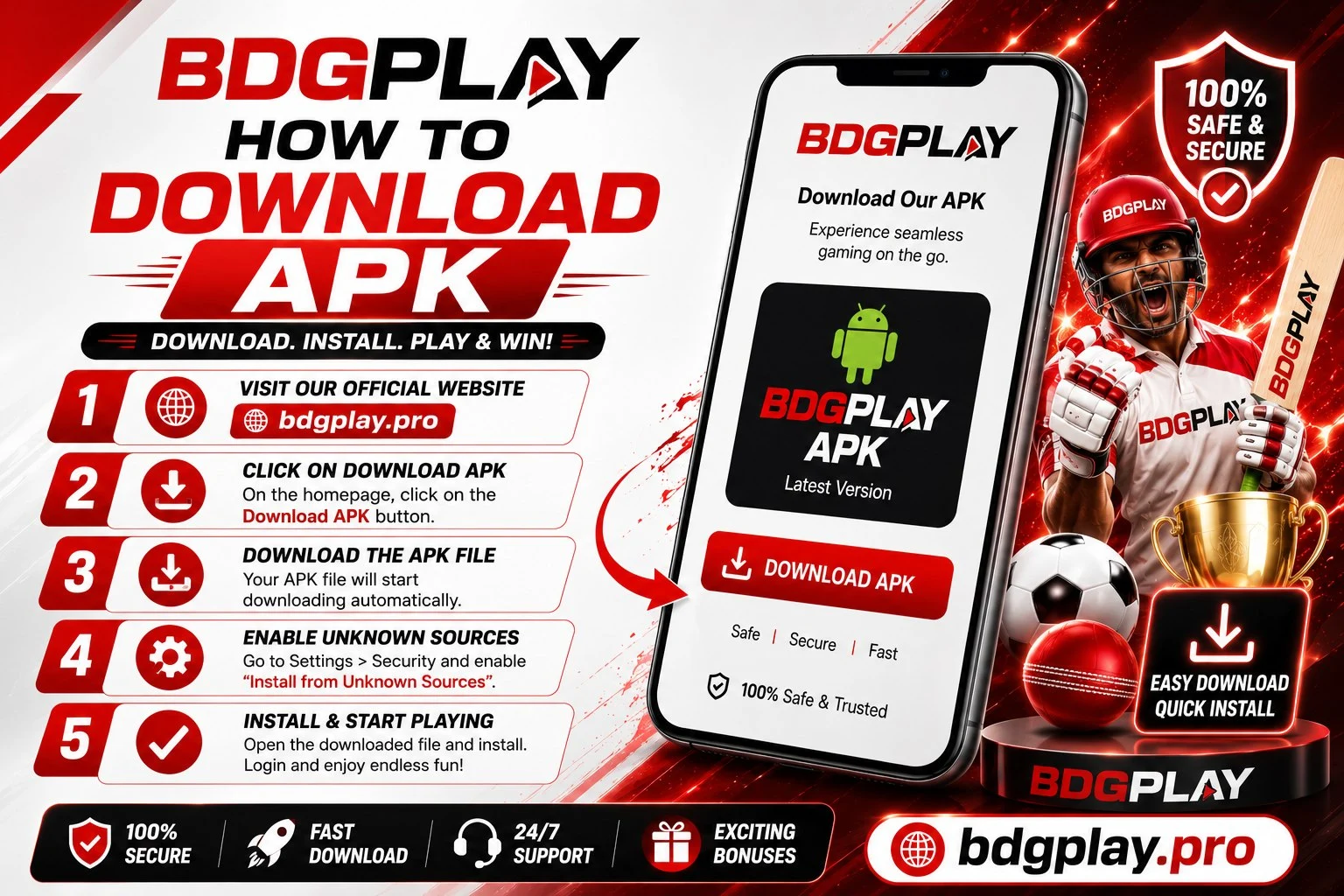
KWG Game Apk Download – Install in 5 Steps
From tapping the download button to your first login — under two minutes on most phones.
Step 1 – Open the Official KWG Link: Go to https://kwg.games in your Android browser. Type it yourself or use your saved bookmark — never start an APK download from a link forwarded in a Telegram or WhatsApp group, however genuine it looks.
Step 2 – Tap the APK Download Button: It sits prominently on the homepage. The file is small, so it finishes quickly even on regular mobile data.
Step 3 – Allow the Install: Since the app comes from outside the Play Store, your phone asks permission to install from this source. Tap Allow — this is a standard Android step, and newer Android versions ask right from the browser so you don't need to hunt through Settings.
Step 4 – Install: Open the downloaded file and tap Install. It completes in under thirty seconds — just don't press back or lock the screen midway.
Step 5 – Login or Register: Open the app. Existing players use KWG Login with their usual number and password; new players can finish KWG Game Register inside the app in about two minutes — remember to add your invitation code during sign-up if you have one.
Fake KWG APK Files – How to Spot and Avoid Them
Because the app lives outside the Play Store, copycats circulate modified APK files under the KWG name. A tampered APK can read what you type — including your password and payment details — so this is the one part of this guide worth reading twice.
- Only one download source: kwg.games. Not Telegram file shares, not "APK mirror" websites, not YouTube description links.
- Check the domain spelling: fake pages typically change one character — an extra letter, a different ending. Read the address bar before tapping download.
- Ignore "mod" and "hack" versions: any APK promising unlimited money or guaranteed predictions is a scam by definition — the platform's results are server-side, so no app file can change them.
- Installed a doubtful file already? Uninstall it, change your KWG password immediately from a clean device, and report it through the Contact page.
Keeping the KWG App Updated
App updates fix bugs, add game features and keep the login flow smooth — an outdated version is the most common cause of app login errors. The app prompts you when a new version releases; you can also revisit kwg.games anytime and download the latest APK. Installing the new version over the old one keeps you logged in — your account, wallet balance and history live on the platform servers, not inside the app file, so nothing is ever lost in an update or even a full reinstall.
If the app ever misbehaves after an Android system update, the two-minute fix is the same: download the current APK from the official site and install it fresh. Full troubleshooting steps live on the KWG Login guide.
KWG APK Download – Frequently Asked Questions
Important Disclaimer
KWG Game is an online gaming platform strictly for users aged 18 years and above. All games involve real financial risk and outcomes are chance-based — no winnings are guaranteed. Play within your personal limits and follow the responsible gaming guidelines. Online gaming laws vary across Indian states — confirm participation is permitted in your region before downloading or playing.
By downloading and using the KWG App, you confirm you are 18 or above and agree to the platform's Terms & Conditions and Privacy Policy.